Raspberry Pi Travel Router using OpenWRT
Building a 5GHz travel router focused on simplicity and speed
Context
This started with the concern of using public wifi and, at the same time, having the need to have a constant public IP. After some searching, I saw that there were devices called travel routers that consist of small routers, which have WAN and LAN interfaces (USB tethering, wifi client, RJ45, wifi AP).
These types of routers have built-in VPN clients to enable additional protection and enable you to “bring your home IP anywhere” and acess to your home network without the need to have additional software on the PC.
I know that in terms of security, it depends because HTTPS and TLS are a real thing, and this encryption already offers a “good enough” security on most websites and makes your traffic not vulnerable to man-in-the-middle attacks on HTTPS websites, but a VPN encrypted traffic offers an additional layer of security.
Hardware
- Raspberry Pi 3B+
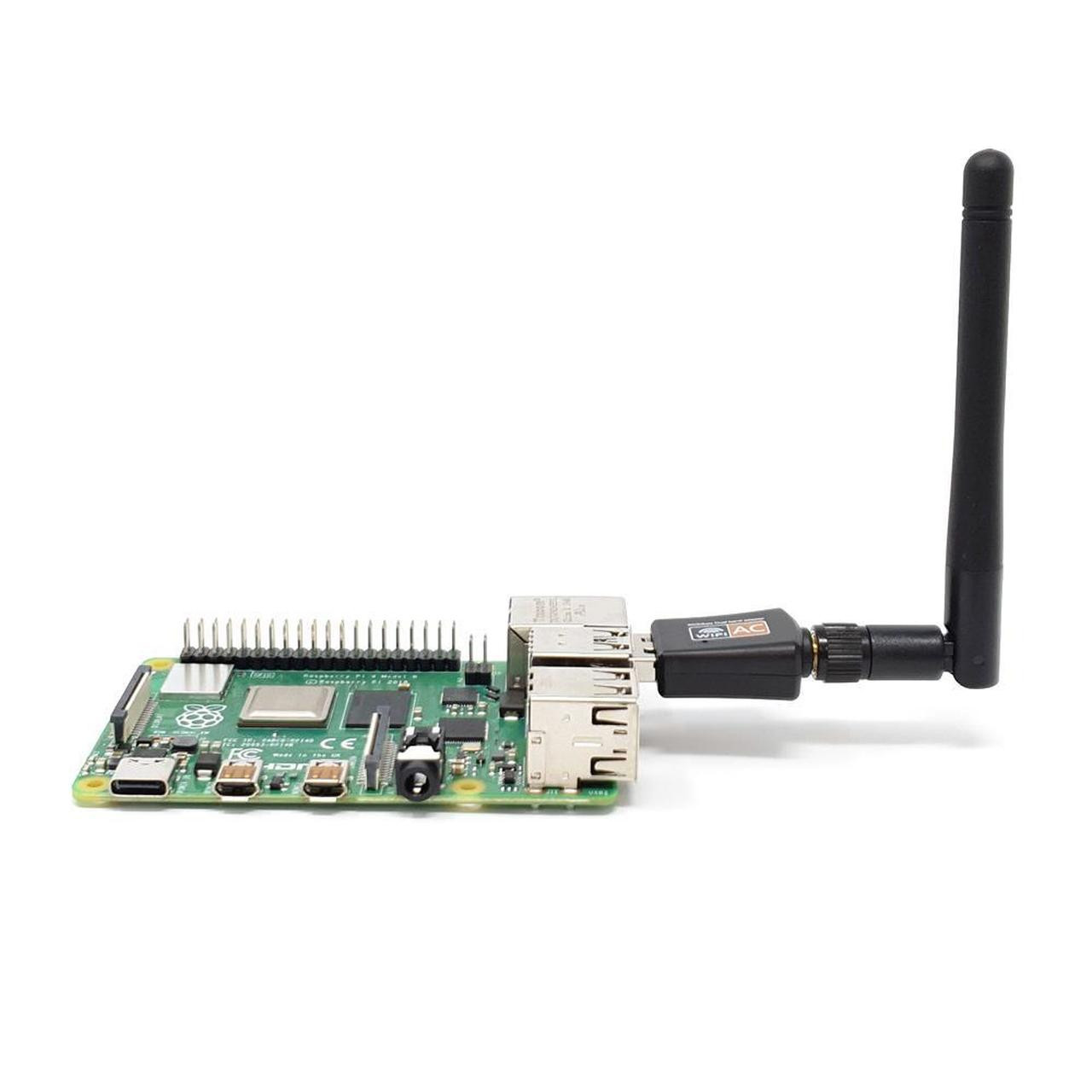
- Realtek RTL8811CU USB WIFI interface
- SD Card
Challenges
- USB tethering
- Wifi Client
- Wifi AP
- Wifi Client
- Learn OpenWRT
- Dual band 2.4 and 5 GHZ AP(Access Point)
- IP Leaking (KillSwitch)
Problems with with getting the RTL8811CU card to work
This USB wifi card raised a lot of issues due to its proprietary drivers and overall lack of support. There was also the issue of the wifi card having a USB storage with the executable file with the drivers for Windows. When I first got the drivers to work, it was mounting the storage to install the drivers and not the wifi interface. After trial and error, these were the packages that enabled it to work in OpenWRT in the WIFI mode.
1
2
opkg update
opkg install usb-modeswitch kmod-rtw88-8821cu